01
Manage storage locations
Define storage locations freely and assign them to any level — for example boat, deck, room, cabinet, compartment or box.
For private boat owners
With BoatStorage, you always know which spare parts are available, where they are stored and what needs to be reordered.
App overview
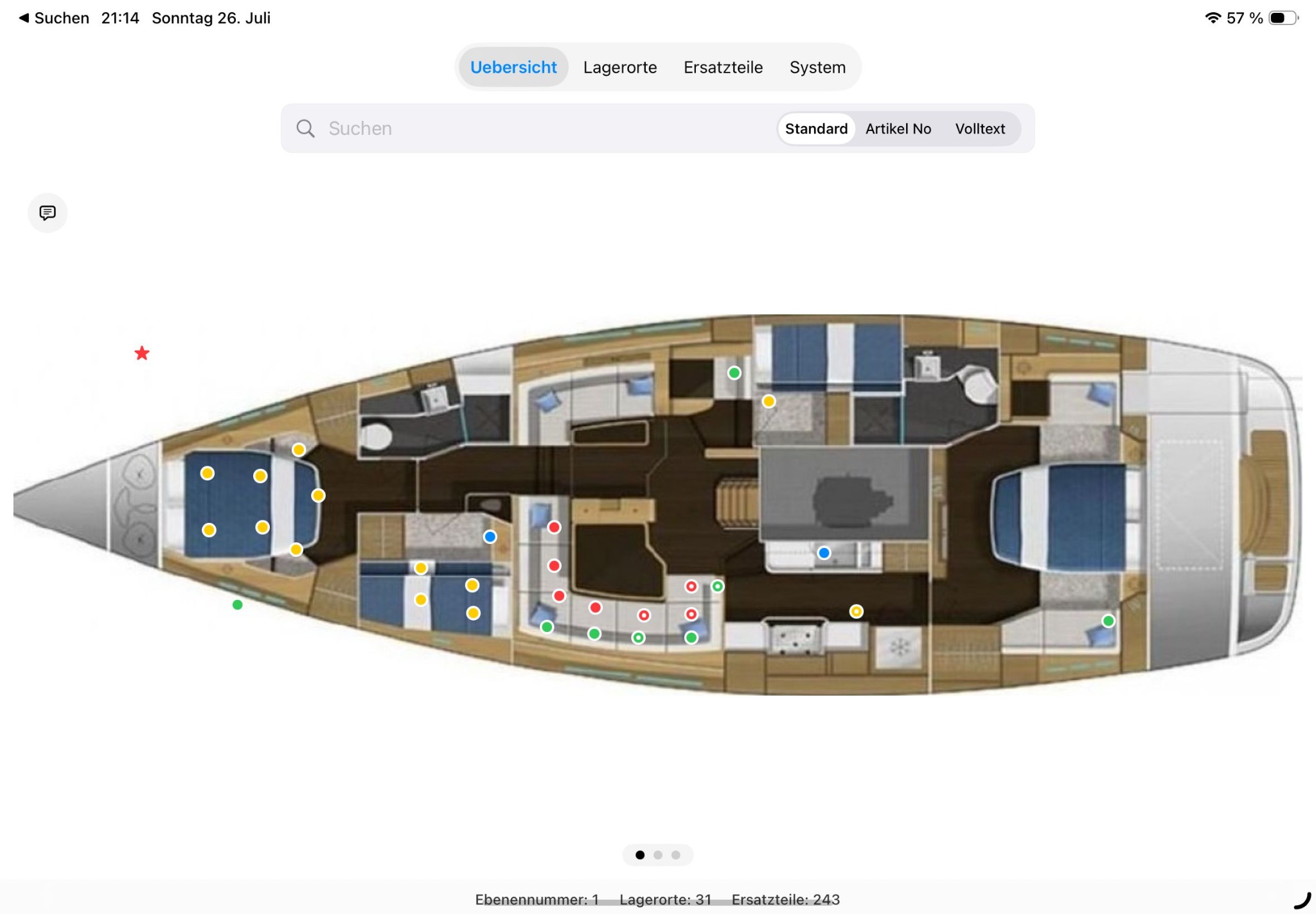
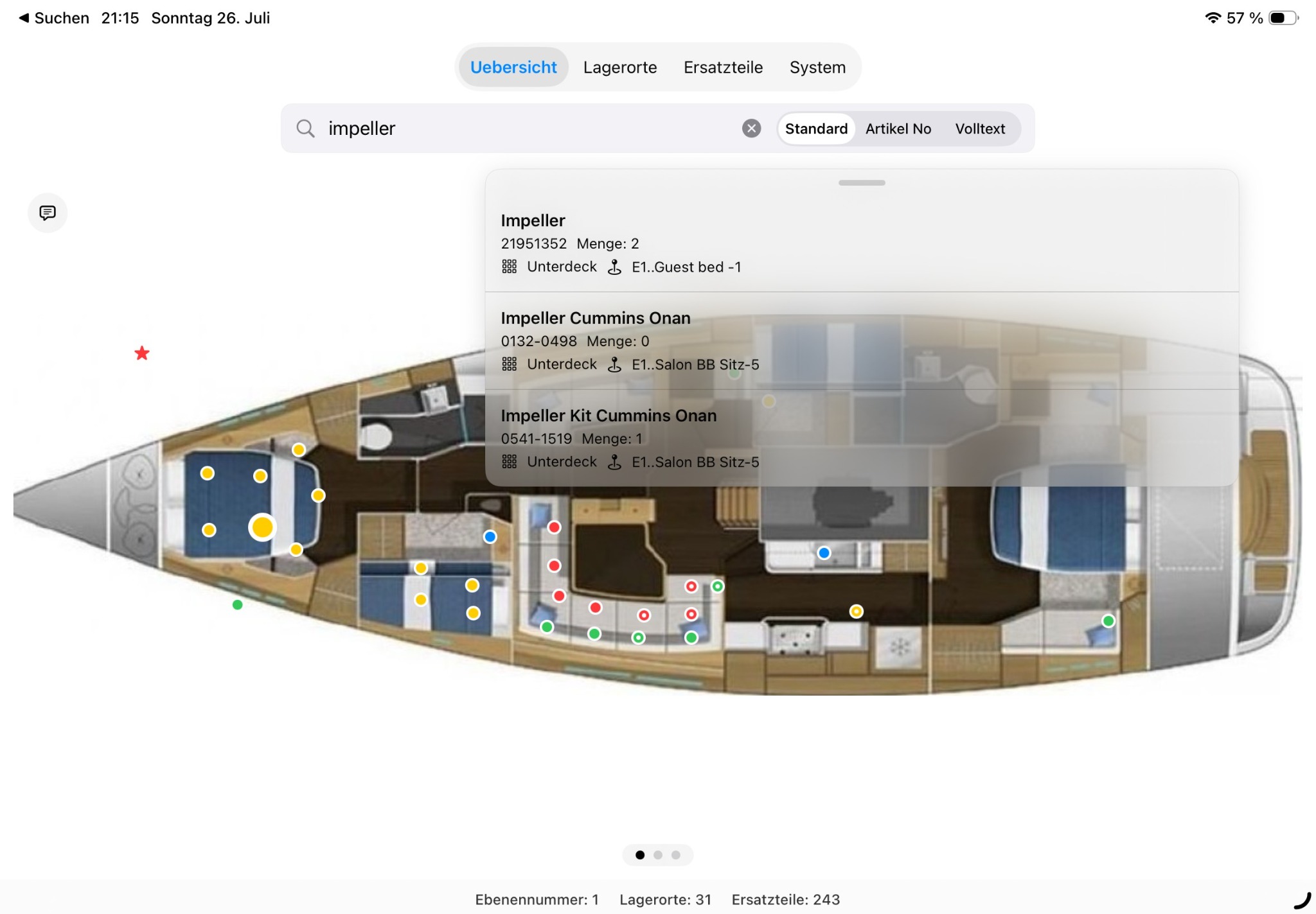
The graphical overview displays freely defined storage locations directly on the boat layout. Coloured markers take you quickly to the assigned storage locations and spare parts.
Features
On a boat, spare parts, tools and consumables are often spread across many compartments, boxes and technical spaces. BoatStorage keeps everything organised.
Define storage locations freely and assign them to any level — for example boat, deck, room, cabinet, compartment or box.
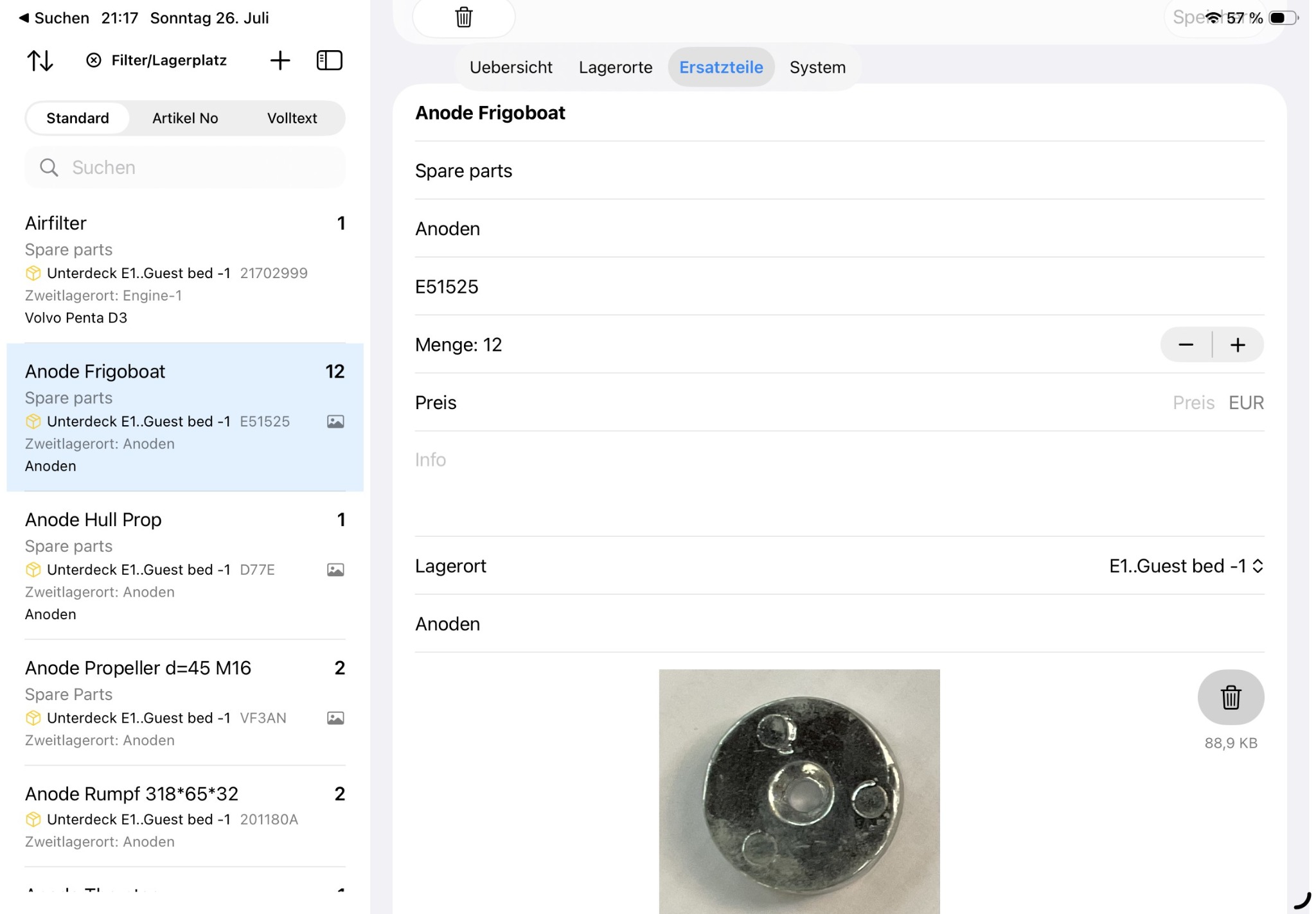
Save the name, article number, manufacturer, quantity, photo and notes.
Find parts by name, article number, manufacturer or assigned storage location.
See early which parts are missing and avoid unnecessary duplicate purchases.
Instructions
First create a boat layout or level, such as lower deck, deck or technical area.
Create a freely named storage location and assign it to the desired level.
Record spare parts, tools or consumables with all relevant details.
Assign the part to the appropriate storage location.
Use the search function or the boat layout to quickly find the storage location again.
Screenshots
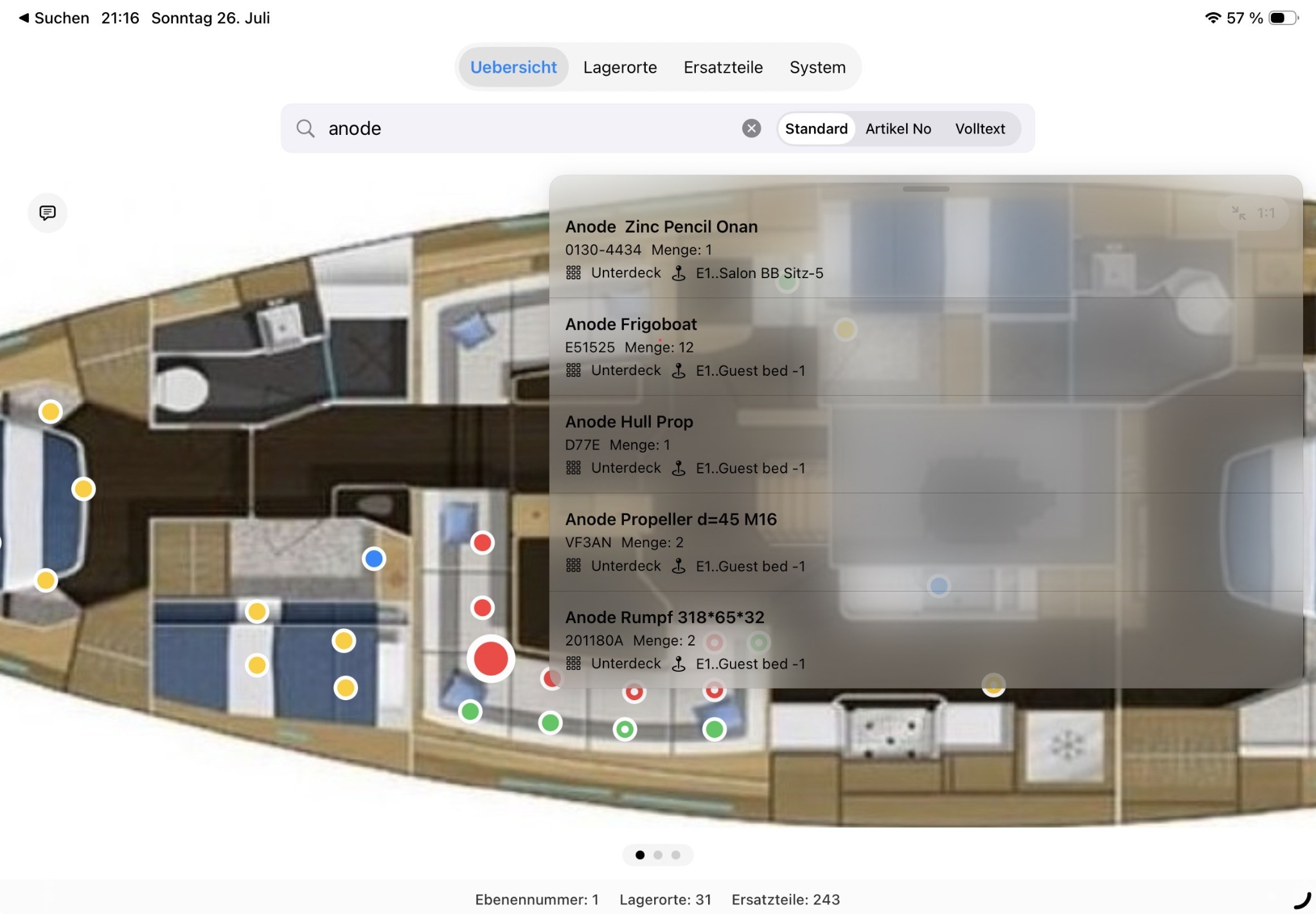
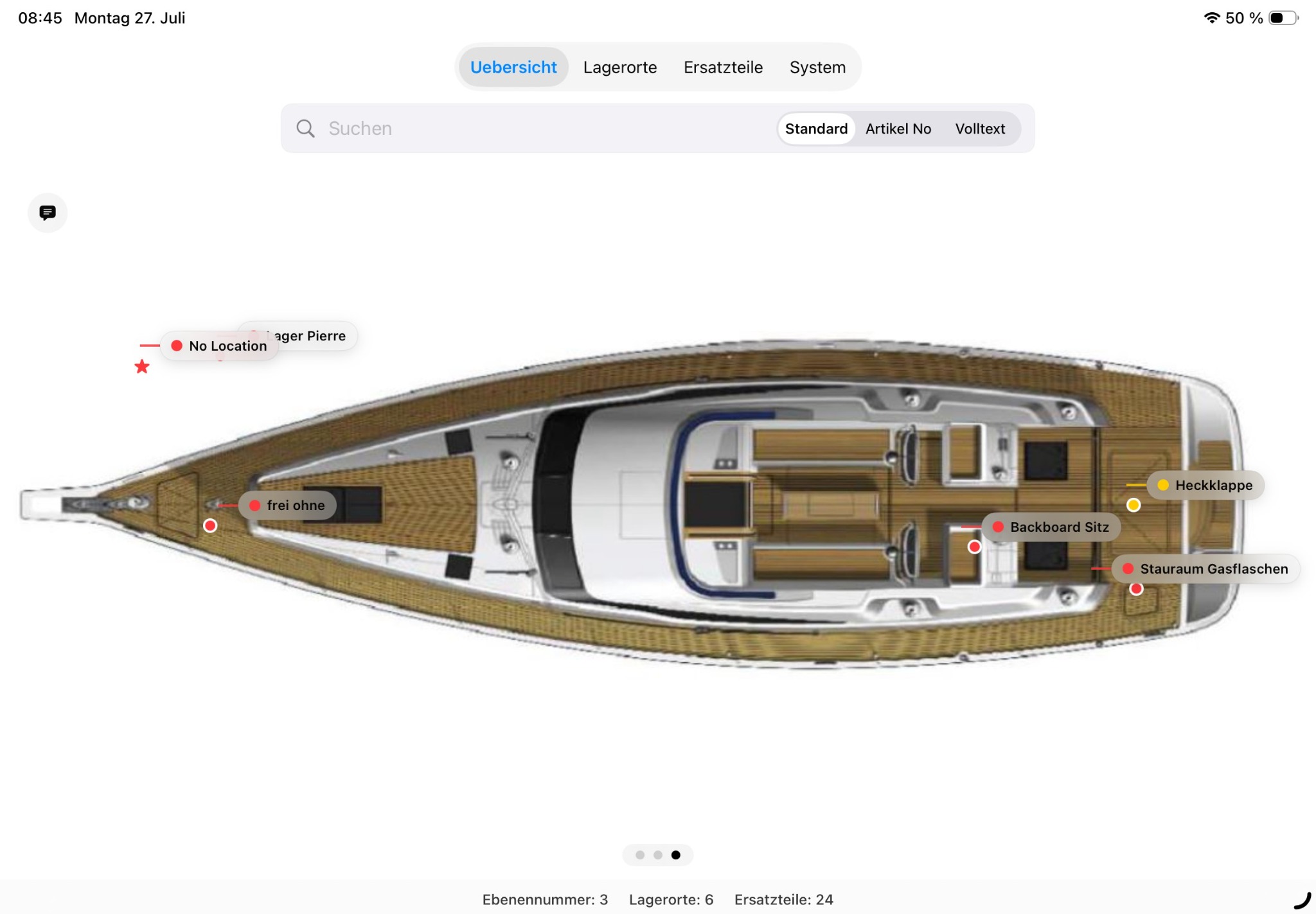
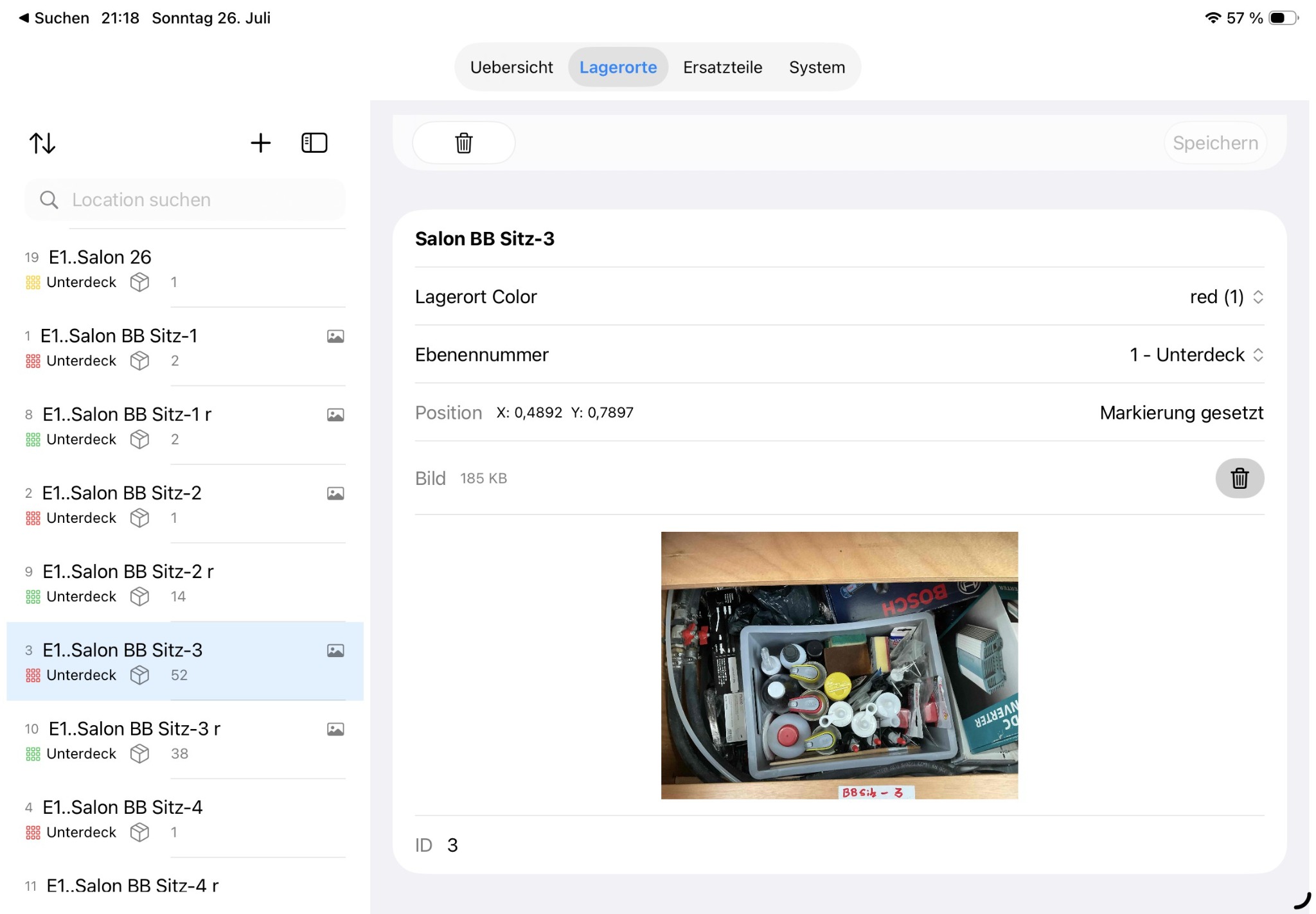
Here you can see actual screens from BoatStorage, including different levels of the boat layout and a storage location with a detailed image.
For sailing and motor boats
BoatStorage is ideal for private boat owners who want to reliably organise spare parts, tools, filters, oils, fuses and other equipment.
Frequently asked questions
For sailing boats, motor boats and yachts of any size.
Yes. Storage locations can be named freely and assigned to any level. This also allows multi-level structures such as boat, deck, room, cabinet, compartment and box.
Yes. In addition to spare parts, you can record tools, filters, oils, cleaning products, screws, fuses and other equipment.
Yes. BoatStorage is available for iPhone and iPad. However, the app is optimised for iPad. The full range of functions is available only on iPad.
Yes. Photos make parts easier to identify and help prevent mix-ups.
The app also works without an internet connection. The data are synchronised with the private cloud as soon as an internet connection is available again.
The data are synchronised via the private cloud.
Support
If you have questions or technical issues, please briefly describe the device you use, the iOS or iPadOS version and the installed BoatStorage version.
Email:
info@boatstorage.kalimba.blue
We answer enquiries about the app and the use of BoatStorage.